02 / PHOTOS SEARCH / DISCOVER TEXT WITHIN PHOTOS
Search your photos by what is written inside them.
The wifi password on a café wall. The receipt you photographed in March. The whiteboard from that meeting. Type a word and Photos Search returns the picture that contains it — indexed on your device, never uploaded.


$4.99one-time
-
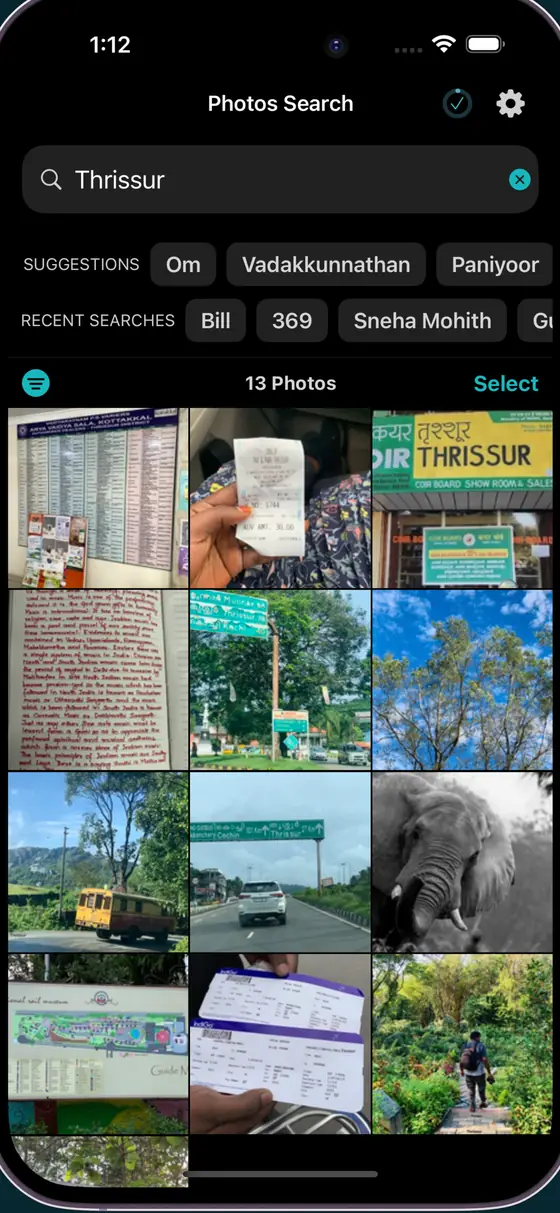
HomeSearch the whole library
-
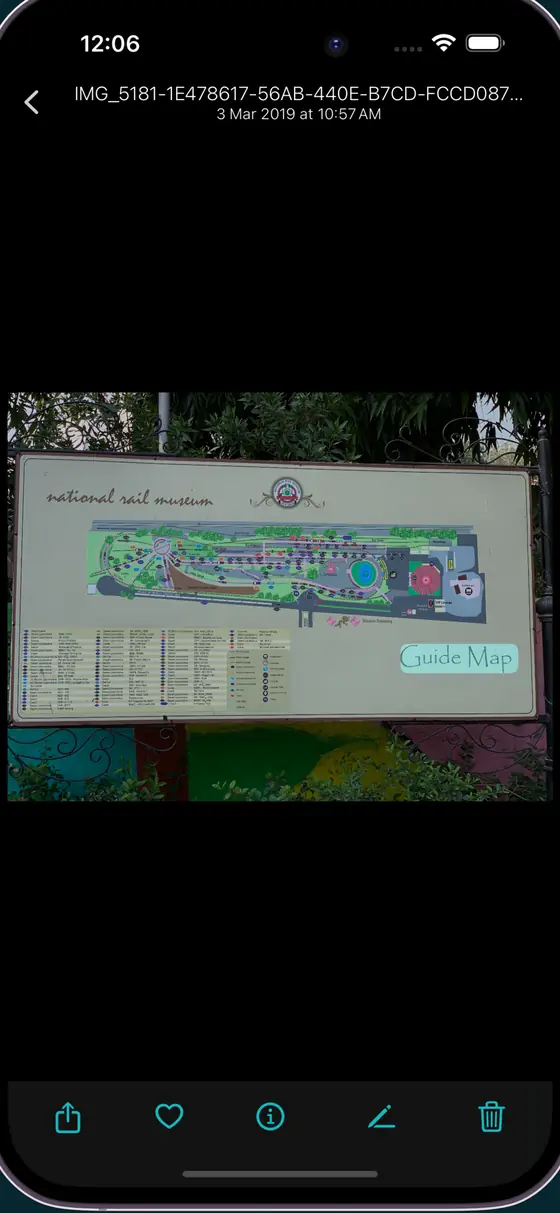
SignsFound on a road sign
-
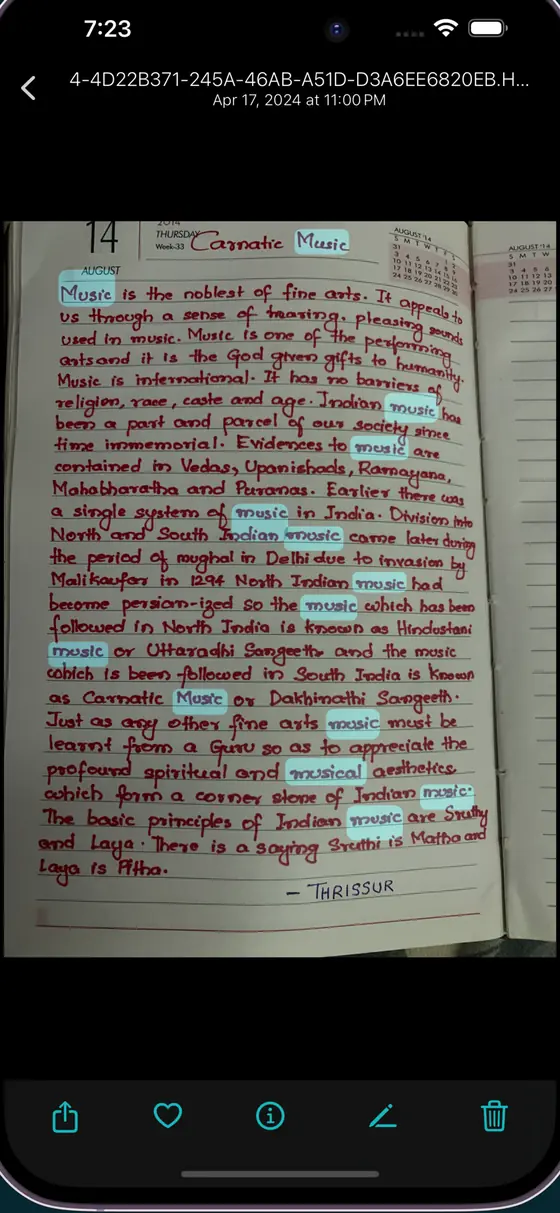
HandwritingEven handwritten notes
-
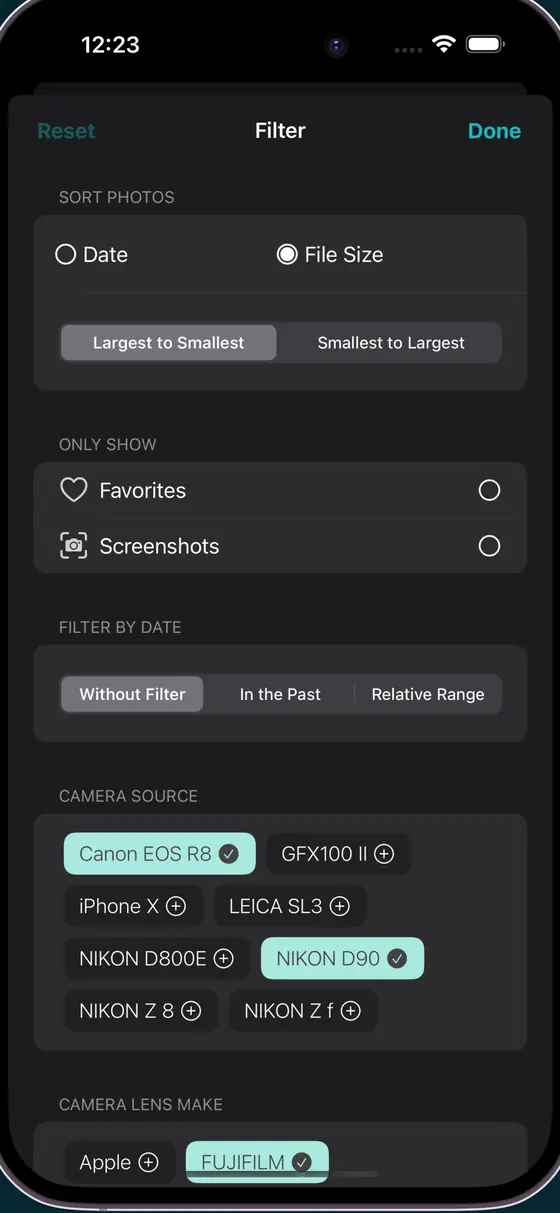
FiltersNarrow by camera and lens
-
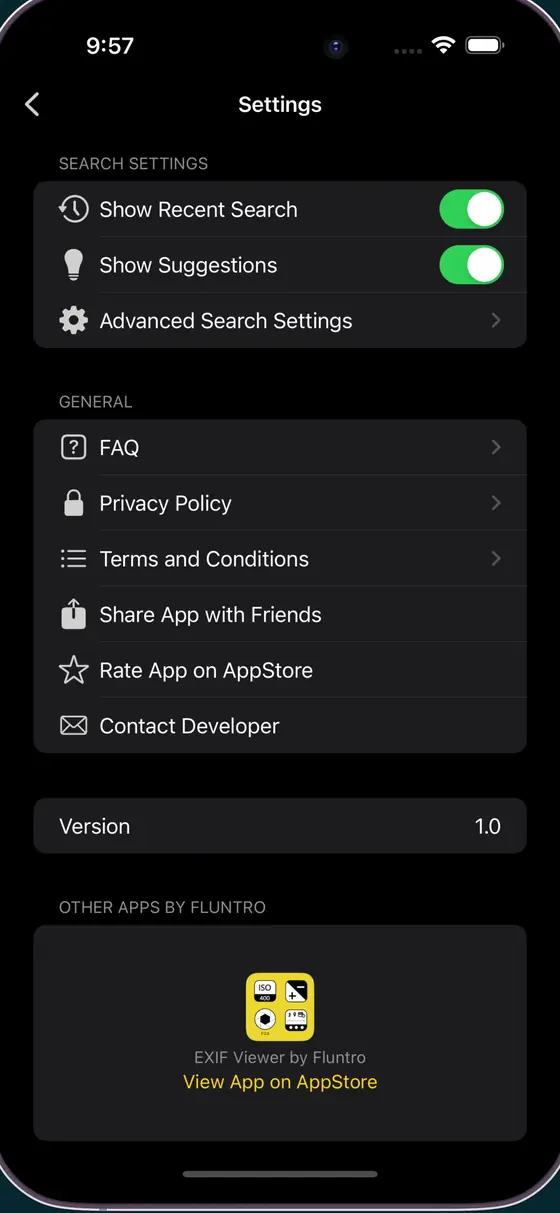
SettingsTune what gets indexed
-
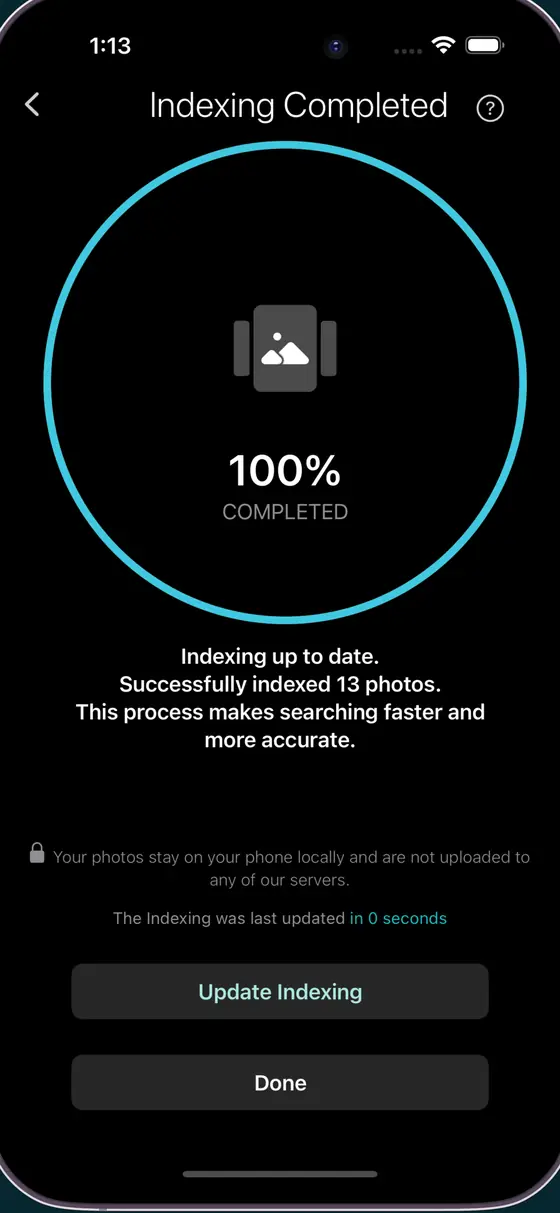
IndexingKnow when it is ready
-
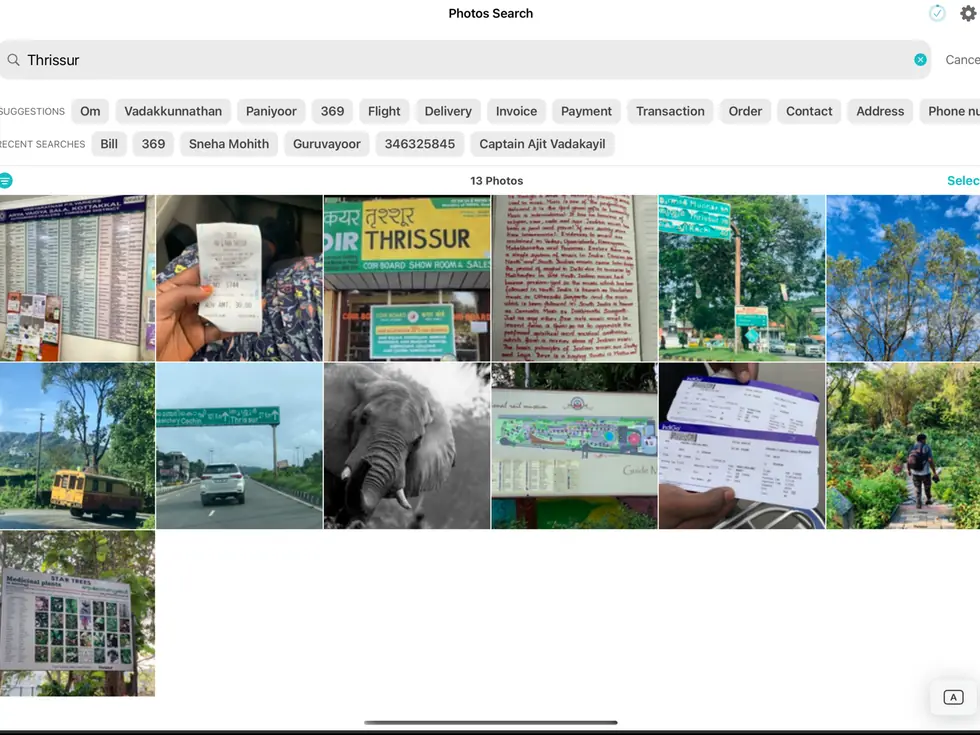
iPadResults and detail side by side
What it does
- Text searchEvery word inside every photo you own
- Date filtersNarrow results to a date range
- Camera filtersFilter by camera or lens model
- EXIF on resultsSee the full metadata for any match
- Photos integrationWorks against your existing library, no import
- On-device indexingNothing is uploaded and no account is needed
Questions
How long does the first index take?
On a large library it can take a while. It runs in the background on your device, so you can leave the app and come back. After that first pass, searches are quick and new photos are indexed as they arrive.
Does it upload my photos to be scanned?
No. Indexing and searching both happen on your device. There is no account and no server.
What kind of text can it find?
Printed and handwritten text inside the image — receipts, notes, whiteboards, street signs, screenshots, book pages, business cards.
Which devices does it run on?
iPhone and iPad, iOS or iPadOS 17 and later. One purchase covers both on the same Apple Account.
$4.99one-time · no subscription